
Staff Management
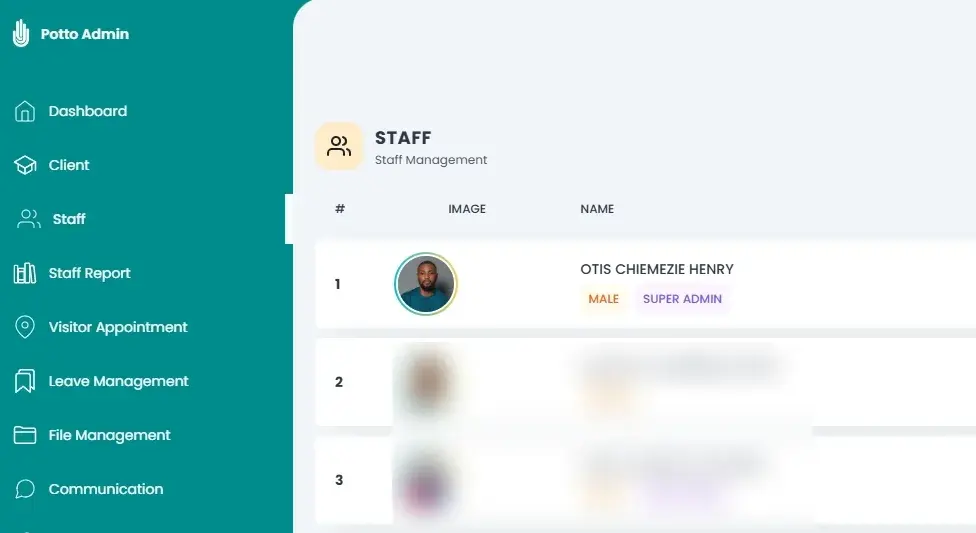
Digital staff profiles with names, designations, and uploaded IDs and certificates.
By Potto Technologies Ltd
Pottolite is one platform for your staff, communication and reporting — fewer manual processes, more transparency.
What is Pottolite?
A productivity management system that keeps your people, their records and their work in view
Staff, communication and reporting live in one place instead of across files, inboxes and spreadsheets
Digital records replace manual processes, and every action leaves a trail you can check
Core Features
Everything an organisation needs to run its people day to day.
Digital staff profiles with names, designations, and uploaded IDs and certificates.
Handle staff leave in the same place as their profiles and reports.
Staff monitoring summaries you can filter by date, exempt days from, and print.
Schedule and approve appointments, check visitors in and out, and keep the log.
Reach staff by email, SMS or WhatsApp, and keep every sent and saved message.
Keep staff files and documents together, digitally, instead of in cabinets.
Every login, upload and update is recorded, and filterable by date, user or activity.
Benefits
Staff records, leave, visitors and messages run through one system instead of paper and spreadsheets.
Email, SMS and WhatsApp from one place keep every team working from the same information.
IDs, certificates and staff documents are stored digitally, with access recorded in the audit log.
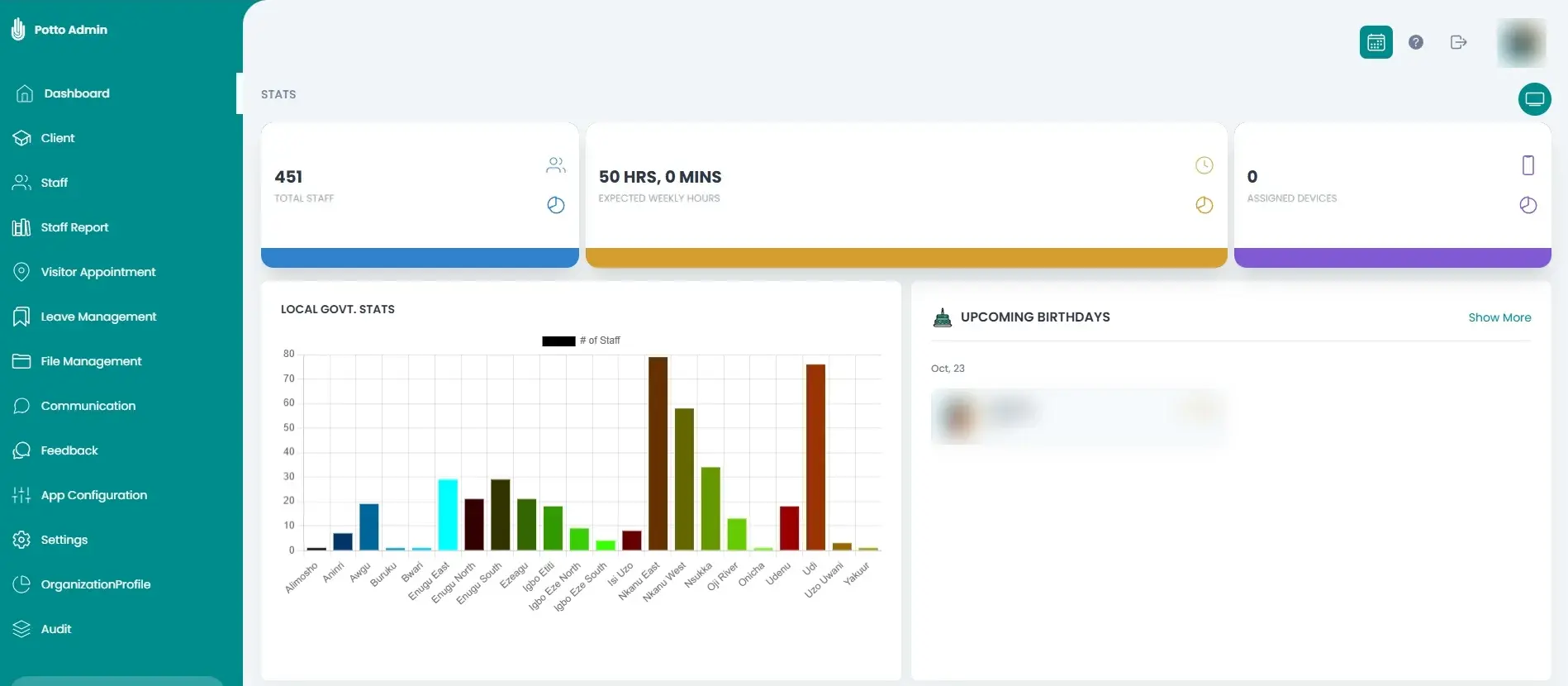
The dashboard shows your workforce at a glance — headcount, expected hours and activity.
Printable reports and a complete activity trail put the facts behind every decision.
Using Pottolite
The same walkthrough we use to train your team, one module at a time.
Our Team
The engineers who build it and the support team who help your staff get the most from it.

CTO and Software Engineer

Support Team

Support Team
Frequently Asked Questions
Clear answers about Pottolite, what each module does, and how to get your team started.
14 questions